The post UI Button kits appeared first on Veronica B.
]]>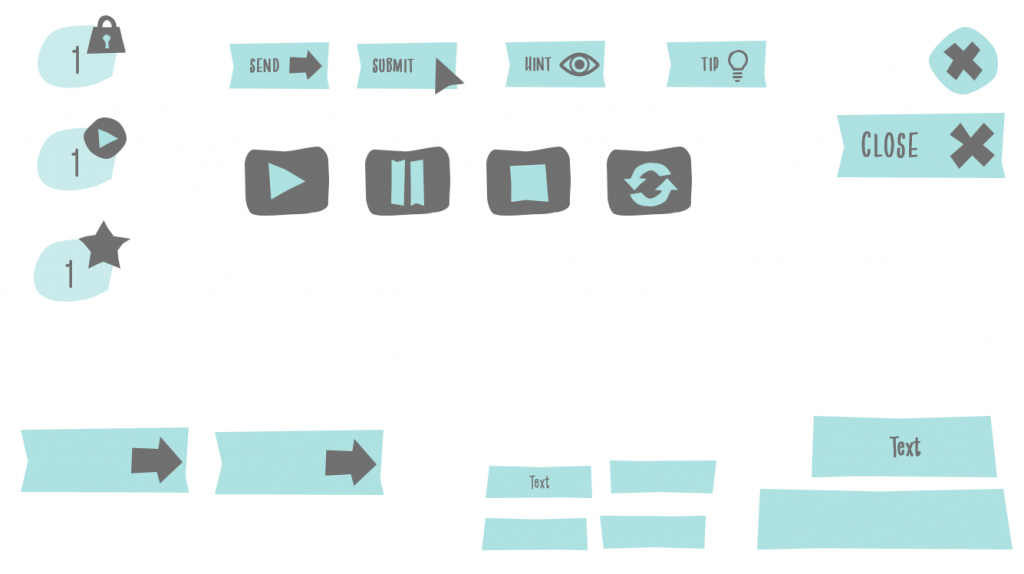
I love creating simple graphics in PowerPoint. And, I love quirky-looking buttons and shapes. So one of my favourite tools in PowerPoint is ‘edit points’. Insert a rectangle or circle, edit points, tweak the points a little bit, and you have a quirky shape.
Needless to say quirky shapes don’t often impress the corporates, so any chance I get to use them I do.
Here I am sharing a button and shape set for e-learning created in PowerPoint. There are 3 sets, each with a different colour theme and font theme.
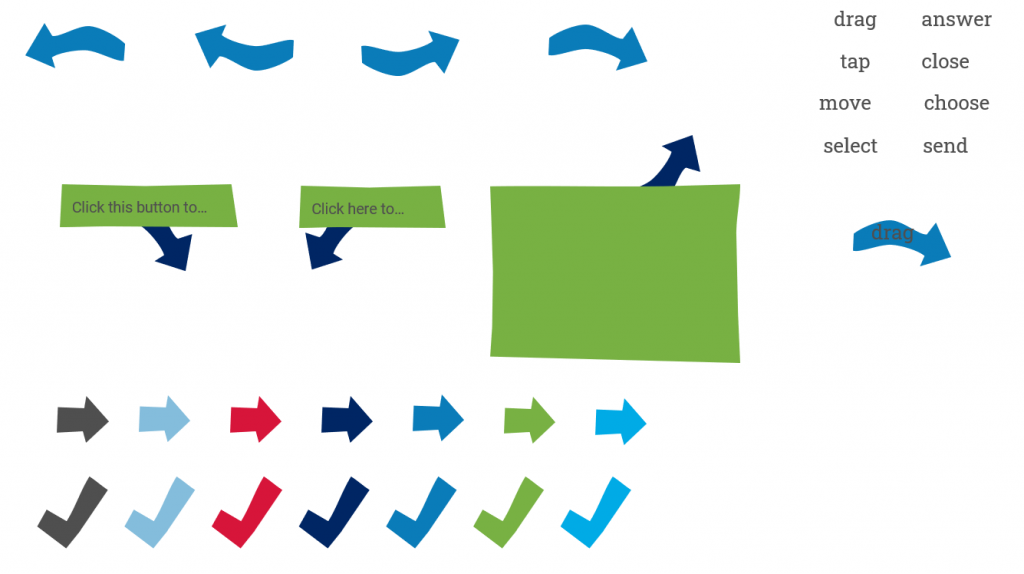
Feel free to download the file below. Modify and use as much as you like, enjoy!
Note: Font themes use system fonts, some Google fonts and an additional font:

The post UI Button kits appeared first on Veronica B.
]]>The post Who remembers the View-Master? appeared first on Veronica B.
]]>I love the theme for the second challenge of 2022: cut out and masking effects with animation! PowerPoint is so great for masking; add a pinch of Storyline animation and layers and you have magic!
Today, I have 70s magic. We just got back from a short holiday with the fam, so I created a photo gallery from the holiday in a view-master, but mine is called the Vacay-master.

Take a look by clicking PLAY below, enjoy!

The post Who remembers the View-Master? appeared first on Veronica B.
]]>The post 2022 Pantone colour of the year appeared first on Veronica B.
]]>I have plans to come back in 2022 with a renewed energy and vigour, after a few weeks off work and everything else, but wanted to finish the year with a challenge post, albeit small and simple. Sometimes you need something small to get you going again.
So here it is. When I saw Very Peri, I simply could not see anything but lavender. Here are a few fun facts about lavender accompanied by some relaxing music. Click PLAY below.
Have a safe Christmas everyone and see you back here in 2022!
The post 2022 Pantone colour of the year appeared first on Veronica B.
]]>The post 2021 Pantone Colour of the Year appeared first on Veronica B.
]]>We made it, and to kick things off, I made a little something for the last challenge of 2020: 2021 Pantone Colour of the Year… or colourS I should say as this year we see a grey (Ultimate Grey) and a yellow (Illuminating) make the cut.

I have been feeling a bit uninspired lately, but really wanted to participate in this challenge, and I LOVE a nice yellow + grey combo… I was watching my son play the Aliens vs. Predator steam game and I thought the menu screen looked really cool, and eerily grey and yellow.
So, I decided to pay homage to that video game’s menu screen and create a simple menu screen that uses the two colours in question.
What do you think? Click Play to check it out.
The post 2021 Pantone Colour of the Year appeared first on Veronica B.
]]>The post Four ways with number variables appeared first on Veronica B.
]]>This demo uses all variable types, i.e. T/F, text and number. The number variables are used for four different purposes.
Number variable to keep count of dropped objects
The first use is a simple counter that adds up how many objects the learner has dropped on the target. The activity requires them to drop four, so each item is counted and when the count reaches four, the feedback layer shows.

Number variable to keep track of money spent
This is similar to the above, but this time the learner is selecting (clicking) objects to purchase. The number variable starts off with a defined number (amount of money) and each time the learner selects an object to purchase, the money count gets deducted.
Number variable to create a timer
In this case, the number variable is used to keep time. It starts at 30 seconds, and counts backwards until it reaches zero.

Number variable to keep score
In the same activity above we also use a number variable to keep score. Correct selections add two points and incorrect selections deduct one point.
Click PLAY below to check out this whole demo! (Sorry, can’t share this file)
As always, leave any questions in the comments, and if you liked this demo, feel free to share!
The post Four ways with number variables appeared first on Veronica B.
]]>The post Static to interactive appeared first on Veronica B.
]]>Storyline has a great feature—convert to freeform—which allows you convert a static slide into any one of 6 types of interactive slide, including drag and drop and others. The challenge for heroes this week is to create 6 interactive versions of the same static slide.

Now, I must confess—I cheated. I actually created a static slide from scratch, and then made 6 interactive slides from that starting point.
Interactive Poirot
I decided on a topic I absolutely love: Hercule Poirot! I am a big fan of Agatha Christie, and more recently we’ve been watching the TV series: Agatha Christie’s Poirot.

In this demo, you’ll learn about the four main characters in the show—but only for 3 seconds. Then, there’ll be 6 different questions about them.
Here it is!
The post Static to interactive appeared first on Veronica B.
]]>The post Game: Play movie quotes! appeared first on Veronica B.
]]>In this simple game, you’ll be shown 10 famous movie quotes. Your job is to type in the quote, if you know it or as best as you know it. Then, you get to check the correct quote.

I went for a retro-y sort of vibe and used (possibly way too many) gradients, which I am really loving at the moment.
I’ve created interactions like this for clients before. They are a great way to get learners to think and reflect… yes, it’s true that someone can just type in gibberish—there’s no way to know what they type—but for the majority who is in there trying to learn, this breaks up the multiple choice question cycle and gets their brains thinking a bit differently.
You think you know your movie quotes? Play the game to find out!
The post Game: Play movie quotes! appeared first on Veronica B.
]]>The post Summary slide with animated video appeared first on Veronica B.
]]>Things to include could be PDF documents, external links, attachments, and more.
I’ve started playing around with animated video using Vyond, so I decided that for this project I’d create a simple and short animated video including a few summary points from the ‘course’ and some external links.

In Vyond, I chose the Common Craft style and selected a few basic props and shapes to create the video. I then put it all together in Storyline 360, of course, including a bit of tango music!
This will take you about 20 seconds to check out, click PLAY below!
The post Summary slide with animated video appeared first on Veronica B.
]]>The post Game: Let’s make a meal! appeared first on Veronica B.
]]>I have to be honest though; I started working on this game 40 weeks ago—that’s right, this was meant to be my entry for challenge 248, Create your own challenge extreme edition. I (obviously) didn’t complete it in time, but kept chipping away at it on and off, until this week I saw my opportunity to re-purpose it. So I did.

This game is a humble homage to a game I worked on a couple of years ago at Millipede. They make learning games for mobile devices, all custom-coded, big projects, really cool stuff.
As I always do, I asked myself whether I might be able to recreate some of the interactions in that game in Storyline. The answer, as it turns out, is yes, with some modifications of course.
This game is aimed at kids. It’s a fun way to go shopping with a budget, and then select a recipe to prepare and share with a friend.

This game makes use of music, voiceover, lots of variables and a gazillion state changes. It’s made to be re-playable. Overall I am really happy with how it turned out.
Check it out below… I am planning a series of video tutorials to go through the process of making this game. Let me know if that’s of interest and enjoy!
The post Game: Let’s make a meal! appeared first on Veronica B.
]]>The post Animated button effects in Storyline appeared first on Veronica B.
]]>A few years back, I started something for a similar challenge 89. But alas, I didn’t finish it and it sat in my folder with the sad PENDING label attached to it… until this week!
This demo shows 3 slides:
- The first is a button style I saw ages ago on a website that was encouraging me to click YES.
- The second is a button style I created for a client long ago; I have always loved this button because it is colourful and happy.
- The third is a set of 12 buttons, which I was inspired to create after seeing some of the awesome entries by my fellow elearning heroes.

Below you can check out the live demo, and below that feel free to download the Storyline source file.
The post Animated button effects in Storyline appeared first on Veronica B.
]]>